
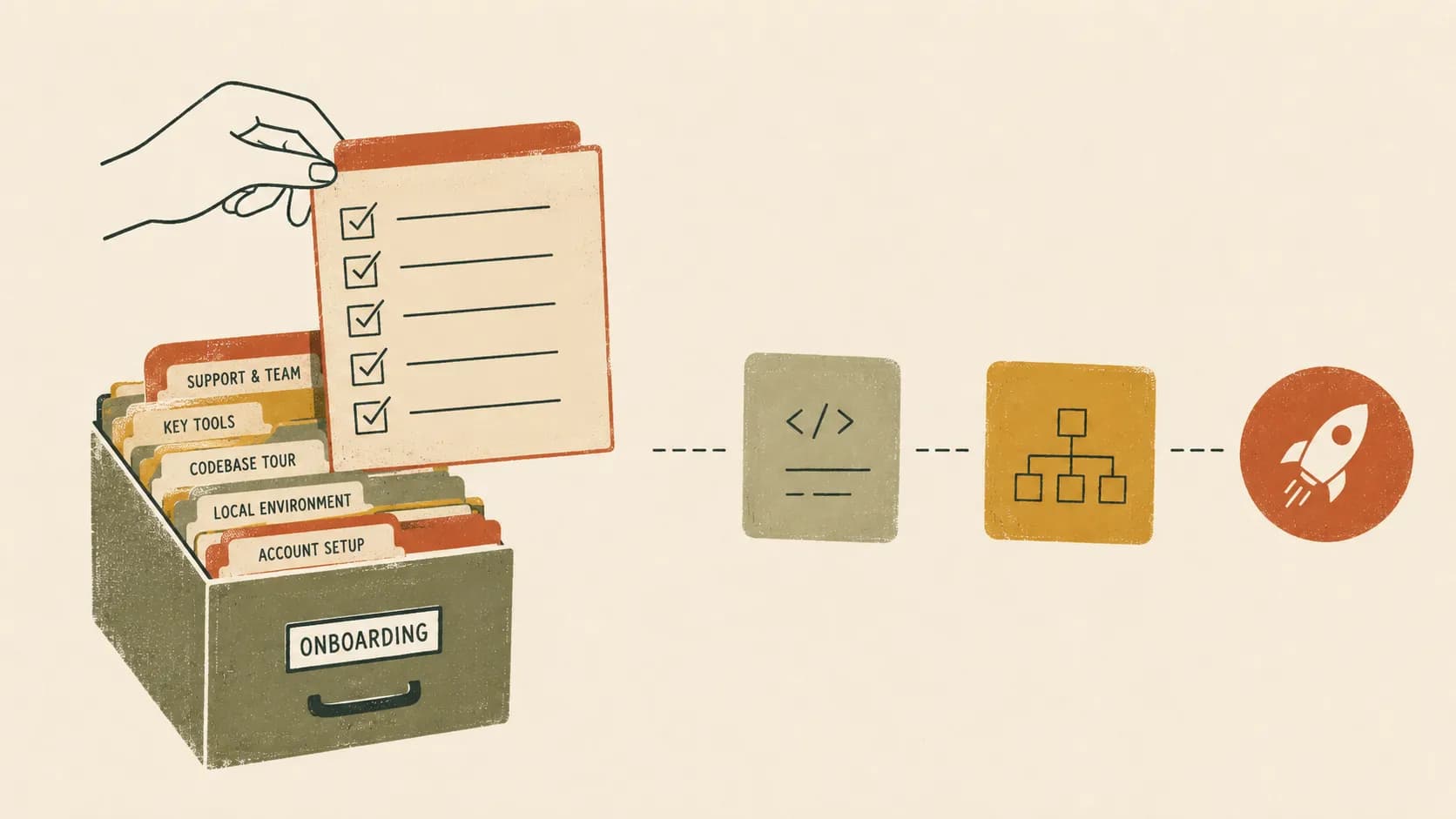
“Keep the docs up to date” is advice, not a plan. Every team intends to; most fail, not for lack of trying but because the intention relies on people remembering to do a tedious task during their busiest moments. This is a workflow that removes the remembering — so the docs stay current as a side effect of normal work, not a heroic separate effort.
Step 1: Split docs into two layers
Not all documentation can or should be maintained the same way. Split it:
- Reference layer — endpoints, database schemas, module/folder structure, flow diagrams, environment variables. This is mechanical, high-volume, and derivable from code. It rots fastest and is the most painful to maintain by hand.
- Conceptual layer — architecture rationale, design decisions, “how this system thinks.” Lower volume, genuinely needs a human, changes less often.
The mistake is treating both with the same process. The reference layer should be generated; the conceptual layer should be enforced.
Step 2: Generate the reference layer
Anything that can be derived from the code should be. A scan of the repository can extract the endpoint list, the data model, the module map, and the call flows, and render them as docs. Run that generation on every commit (or every merge to main) and the reference docs can’t fall behind — they’re a function of the current code, recomputed continuously.
Step 3: Enforce the conceptual layer in review
The docs a human must write should be updated in the same pull request that changes the behaviour they describe — never as a follow-up ticket, which is where doc updates go to die. Make it a review norm: if a PR changes an architectural boundary or a key workflow, the reviewer expects the relevant doc to change with it. The cost is small when it’s attached to the change and enormous when it’s deferred.
Step 4: Version and date everything
Treat docs like code: versioned, diffable, stamped with the commit they describe. Two benefits. First, readers can judge freshness at a glance (“generated from main at a3f9b2c, 3 hours ago”). Second, you get a diff between versions — which is the single best tool for catching documentation drift and for showing reviewers what actually changed.
Step 5: Sync to where the team already reads
Documentation nobody opens might as well not exist. Push the generated docs to the tools your team already lives in — Notion, Confluence, a Git wiki — rather than asking everyone to learn a new destination. The best documentation workflow is invisible: docs show up, current, in the place people already look.
Step 6: Make edits survive regeneration
A subtle failure mode: you generate docs, a human improves a section by hand, then the next regeneration overwrites their work. A workflow that’s safe to run continuously must preserve human edits across regenerations — the machine fills the reference layer, humans augment it, and neither clobbers the other. Without this, people stop editing (because it won’t last) and the docs lose the human touch that made them good.
Putting it together
The end state: reference docs regenerate on every commit, conceptual docs are enforced in review, everything is versioned and dated, the output syncs to your wiki, and human edits survive. Nobody “keeps the docs up to date” — the system does, and people spend their effort only where judgment is required.
This is exactly the workflow VizRepo is built for: connect a repo, scan on every commit, sync the generated docs to Notion / Confluence / Git wiki, and preserve any section a human edits. See what stale docs really cost for the why, and the developer onboarding checklist for where current docs pay off first.